Designed for Kiwi homebuyers.
Smartfile reads your property documents and turns them into clear, easy-to-understand reports and answers.
Smartfile reads your property documents and turns them into clear, easy-to-understand reports and answers.
From scanned documents and handwritten notes to images and photos, Smartfile extracts the details you need.
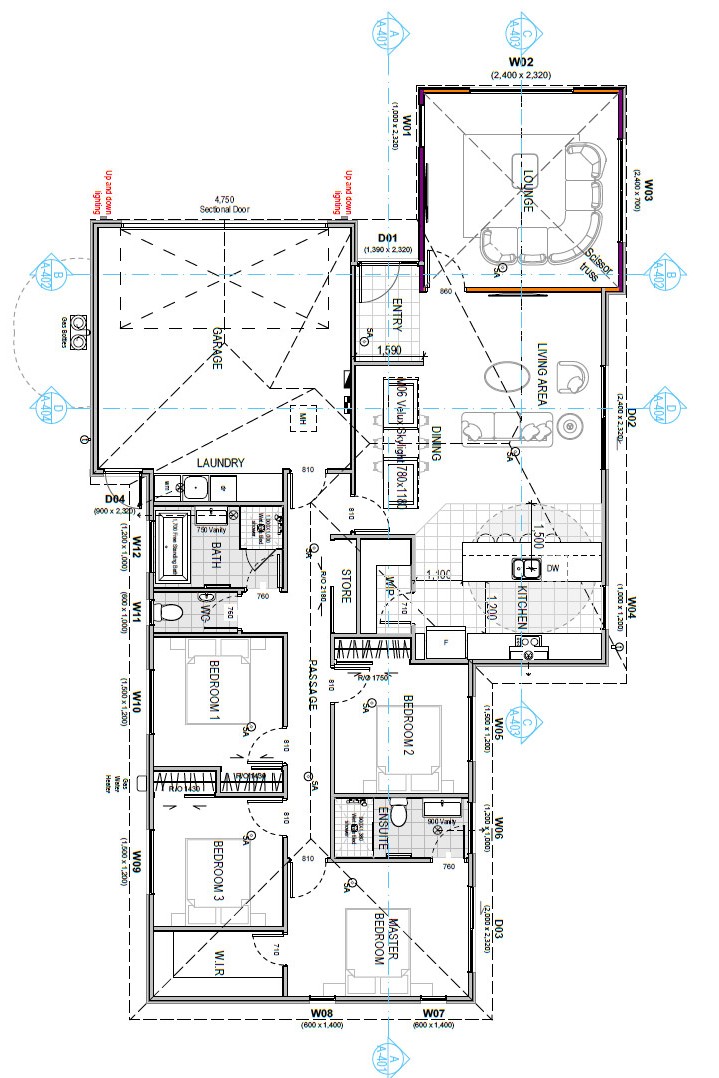
Understand floor plans, building specs, and layout diagrams.
Smartfile extracts key details and uses them to answer your property questions, so you can understand what’s inside without needing to be a building professional.
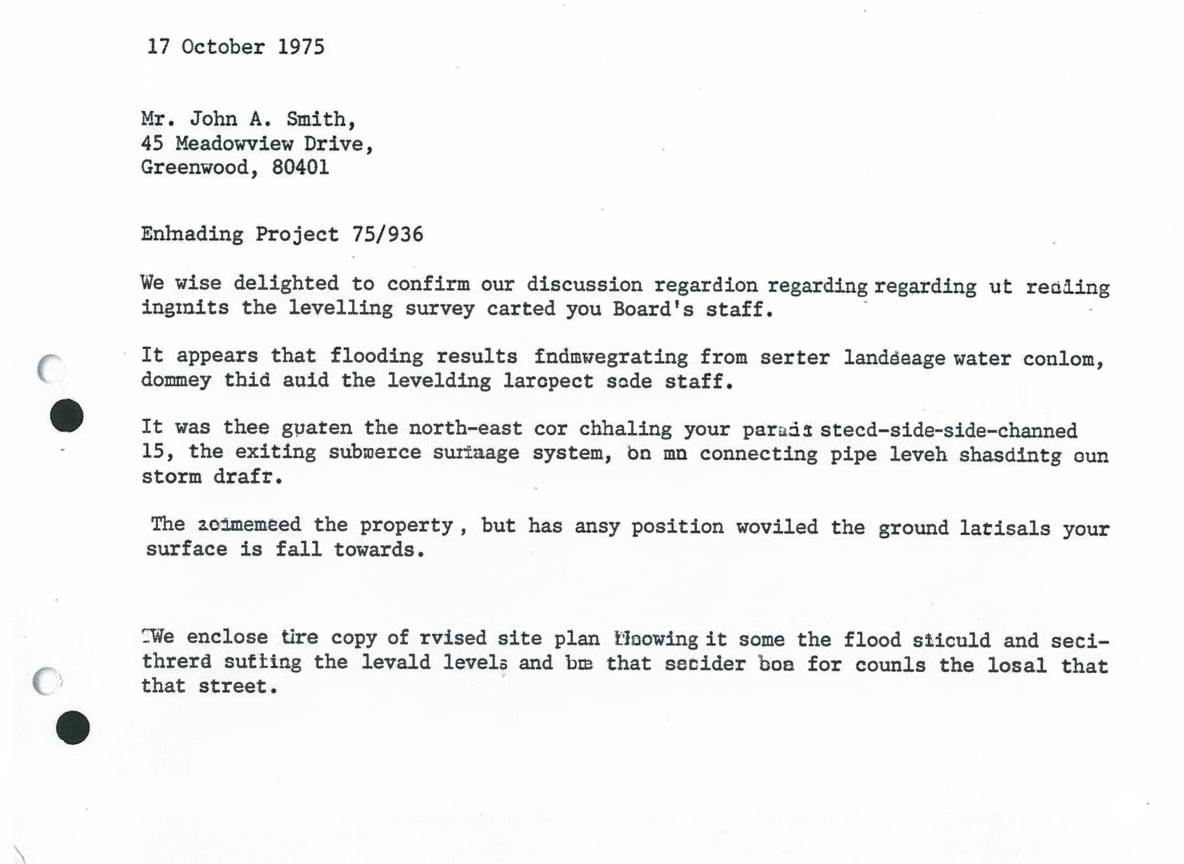
Whether your PDF documents are text-readable or contain scanned images, Smartfile can analyse them all. This makes every detail searchable in Smartfile’s Query function and ensures the information is included in your summary reports.
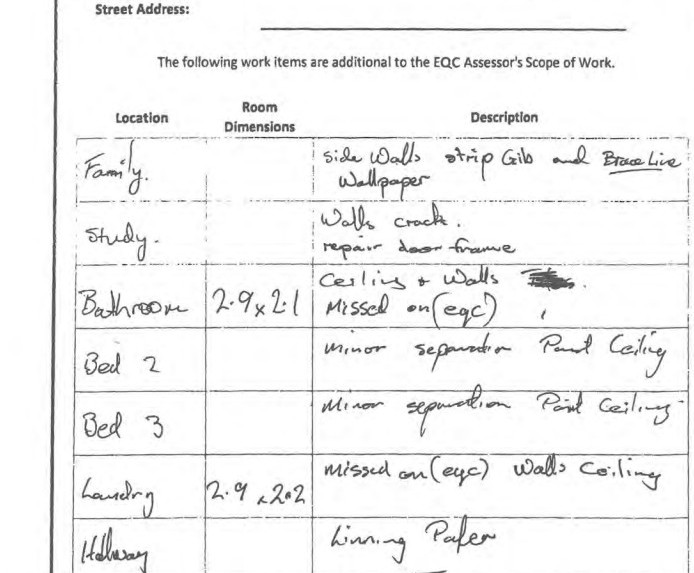
Do your property files include scribbled annotations or contractor notes? If you can read them, Smartfile can too.
From earthquake reports and LIMs to contractor invoices, Smartfile captures key details from handwritten content to give you the full picture.
We use AI under the hood but this isn't a chatbot; Smartfile is a specialist tool designed from the ground up, for New Zealand residential property.
Knows NZ property
Built on NZ-specific rules, terminology, and documentation. Designed for Kiwi home buyers.
Reports, not conversation
Get clear, concise, formatted outputs you can actually use and share. No waffle. No over-explanation.
Context that sticks
From your first question, to your last, Smartfile stays focused on the documents you uploaded. No memory fade.
Bulk document upload
Drop in multiple files at once. No one-at-a-time bottlenecks.
Workflows that suit your timelines
No session timeouts or token limits.
Your data stays yours
Smartfile doesn’t share your personal information, and we don't use your documents to train AI models.
A complete set of tools to cut through complex property documents, and find the answers you need.
Smartfile does the heavy lifting, reading complex documents.
Smartfile Analyser reads through property files, identifying key details relevant to your property search.
The Details pane gives you a plain-English overview of what the document contains, then breaks it down section by section, with page references and quick-links so you can jump straight to what you need.
Generate summary reports that highlight key information.
Smartfile Summariser combines information from all your analysed documents into clear, easy-to-read reports.
Choose a quick Highlight Report for key takeaways, or a Full Report for a detailed overview of all property data.
Each report is designed to help you quickly understand the facts without needing to wade through hundreds of pages, and decipher complex legal language.
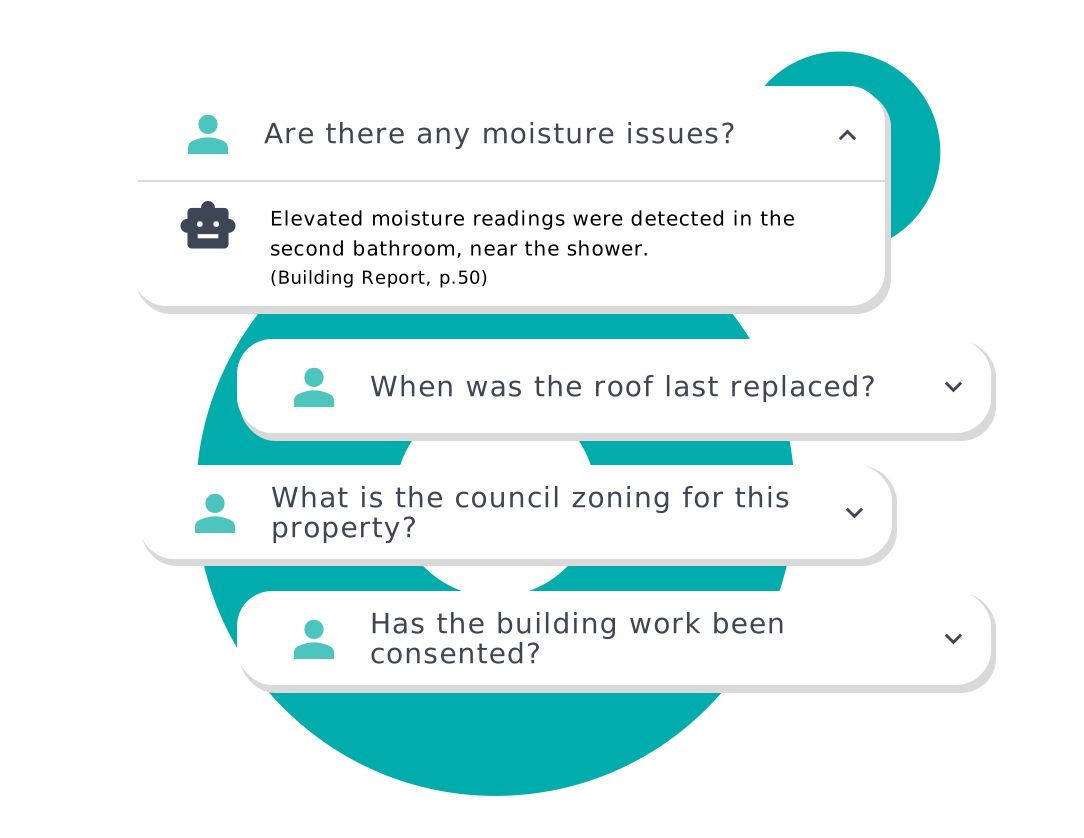
Get quick answers to specific property questions.
Use Smartfile Query to ask questions, such as "Are there any indications of moisture issues?" or "Are there any known flooding risks?"
Get instant, accurate answers from your uploaded documents. No more searching through endless pages!
Every insight Smartfile surfaces is saved to your property card — all your files, reports, and answers in one place, whenever you need them.
Cut through the fine print, get clear answers, and stay one step ahead! Explore all Smartfile features free with your first property.
New Smartfile customers can try the full Smartfile experience for free on one property.
When you create an account, a free credit is automatically applied — no codes or payment details required.
Analysis of up to 50 files for one property.
An overview of each file including an index of the content and quick links for easy navigation.
Three Smartfile reports - see details.
Query - ask questions about your file content using AI.
Full details are available in our Terms & Conditions.
Found a home you love? Here are the key steps for reviewing and understanding the official documents.
The Real Estate Agent might have some or all of the files you need. If not, you will need to source them. See our resources page for a list of common documents and where to find them.

Smartfile quickly summarises all the paperwork to save you time and give you a head start.
Remember to cross-check the report against the original documents.
The agent is there to facilitate a transparent process.
Raise any questions or concerns with the agent, they may have additional information that wasn’t in the files.
Before making any final decisions, it’s important for a legal professional to review the official documents.
This ensures nothing important is missed and that your individual circumstances are considered.
Answers to the questions we hear most, to make your Smartfile experience smoother.
Smartfile uses AI to read and summarise property documents — like LIMs, building reports, and EQC or NHC records — so you can quickly understand the key points without having to wade through pages of technical detail.
You can upload LIM reports, building inspections, EQC/NHC documents, Body Corporate documents, council files, insurance reports and most other reports related to the property. If you’re unsure, upload it anyway; Smartfile will let you know if it can be used. Check out our resources page for more.
Yes. Use the Query feature to ask about any aspect of your property documents. Get clear, direct answers without searching through pages of information.
AI is powerful, but not perfect. Our summaries are designed to help you spot the key issues faster—but they aren’t a substitute for expert advice. If something doesn’t seem right, or if you’re unsure, it’s always best to check with a lawyer or property professional.
No — never. Your data is used solely to produce your results. It's not stored for AI training, shared with third parties, or used to improve any language model. What you upload stays yours.
Yes. Your documents and data are stored securely. We don’t share your information without your permission, and we follow best practices to keep everything private.