Simplifying property files.
Smartfile makes property documentation easier to understand so that you can move forward with confidence.
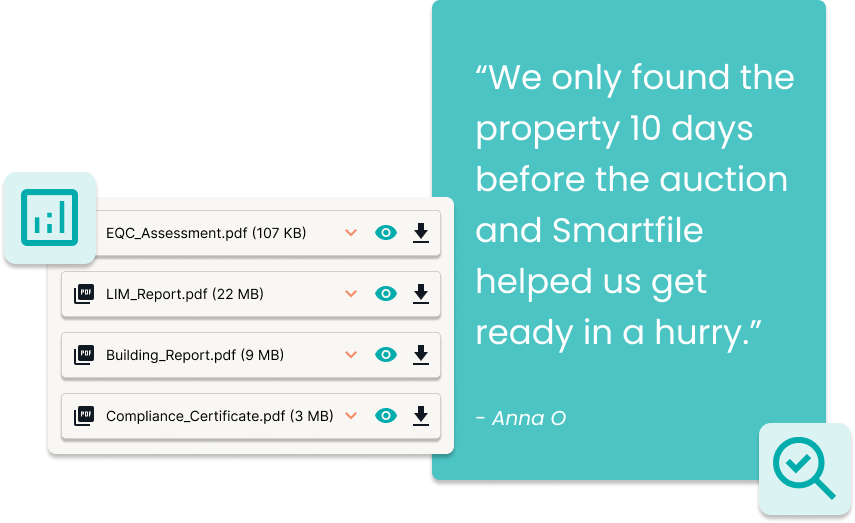

Smartfile makes property documentation easier to understand so that you can move forward with confidence.
Tailored for New Zealand property - software designed to help you navigate residential property documents.

Smartfile quickly reviews complex files and turns them into clear, jargon-free summaries. You get the key details fast, so you can move forward with confidence.

Instead of jumping between dozens of documents, Smartfile pulls everything together in one secure place — giving you a complete view of each property.

Ask questions about your files and receive instant, easy-to-understand responses. No more digging for details — Smartfile makes property information simple and accessible.
For every property you review, Smartfile generates clear reports from the provided documents, giving you the insights you need at every stage of your buying journey.
Quickly access the most important details of your property files with our Highlight Report. Perfect for a fast overview.
Our full report provides a high-level overview and an in-depth analysis of your property files, ensuring you have all the information needed to help you move forward.
Supports your pre-approval process for home insurance. Answers to common insurance questions, generated from your uploaded property files.
New Smartfile customers can try the full Smartfile experience for free on one property.
When you create an account, a free credit is automatically applied — no codes or payment details required.
Analysis of up to 50 files for one property.
An overview of each file including an index of the content and quick links for easy navigation.
Three Smartfile reports - see details.
Query - ask questions about your file content using AI.
Full details are available in our Terms & Conditions.
Our property document guide offers helpful plain language explanations for LIMs, Titles, Building reports and more, along with other key considerations for when you're buying a home.
Helping you get a head-start before engaging the professionals.
Trial our premium features, including Analysis, Reporting, and Query functions, all obligation-free when you sign-up.
Choose from flexible pricing plans that cater to your needs, whether you prefer an on-demand model or the convenience of paying monthly.
Answers to the questions we hear most, to make your Smartfile experience smoother.
Smartfile uses AI to read and summarise property documents — like LIMs, building reports, and EQC or NHC records — so you can quickly understand the key points without having to wade through pages of technical detail.
Create a free account and add your property. Upload documents and images directly to your property card. All your files stay organised in one place for easy access.
Currently, Smartfile works best with PDFs. Save Word documents as a PDF before uploading them to Smartfile.
You can upload LIM reports, building inspections, EQC/NHC documents, Body Corporate documents, council files, insurance reports and most other reports related to the property. If you’re unsure, upload it anyway; Smartfile will let you know if it can be used. Check out our resources page for more.
Most of the information about a property is held by the local council. Real estate agents often gather these documents to help potential buyers. If you’ve received documents from the agent, you can upload them directly for analysis, and add any other documents you might have yourself. Check out our resources page for more.
Most files are summarised within a few minutes. If a document is especially large or hard to read, it might take a little longer, but Smartfile will indicate the progress.
Yes. Use the Query feature to ask about any aspect of your property documents. Get clear, direct answers without searching through pages of information.
No, Smartfile does not create floor plans. However, if a floor plan or specification diagram is included in your uploaded property files, Smartfile can extract key details from it.
Yes. Our service helps you understand what’s in the documents—but it doesn’t replace legal advice. A qualified conveyancer or lawyer should still review everything before you make any final decisions.
AI is powerful, but not perfect. Our summaries are designed to help you spot the key issues faster—but they aren’t a substitute for expert advice. If something doesn’t seem right, or if you’re unsure, it’s always best to check with a lawyer or property professional.
Yes. Your documents and data are stored securely. We don’t share your information without your permission, and we follow best practices to keep everything private.